Never Repeat Context Again
ContextFlow AI automatically manages and injects relevant context into your AI conversations. Create reusable contexts once, then let smart rules and clipboard monitoring handle the rest.
- 🤖 AI-Optimized Formatting: Contexts use XML-style tags for better LLM understanding
- 📋 Smart Clipboard Monitoring: Auto-detects copied content and suggests saving as context
- 👆 Right-Click Actions: Save selected text or paste contexts with right-click menu
- ⚡ Auto-Injection Rules: Trigger contexts by URL, domain, keywords, or schedule
- 🎯 Multi-Platform: Works on ChatGPT, Claude, and other web-based AI chats
- 🔍 Smart Context Types: Auto-detects code, documentation, personal notes, or project info
- 🔔 Visual Notifications: Unobtrusive alerts for saved and injected contexts
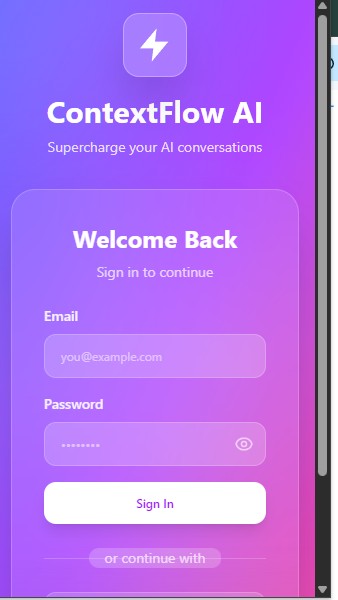
See it in action
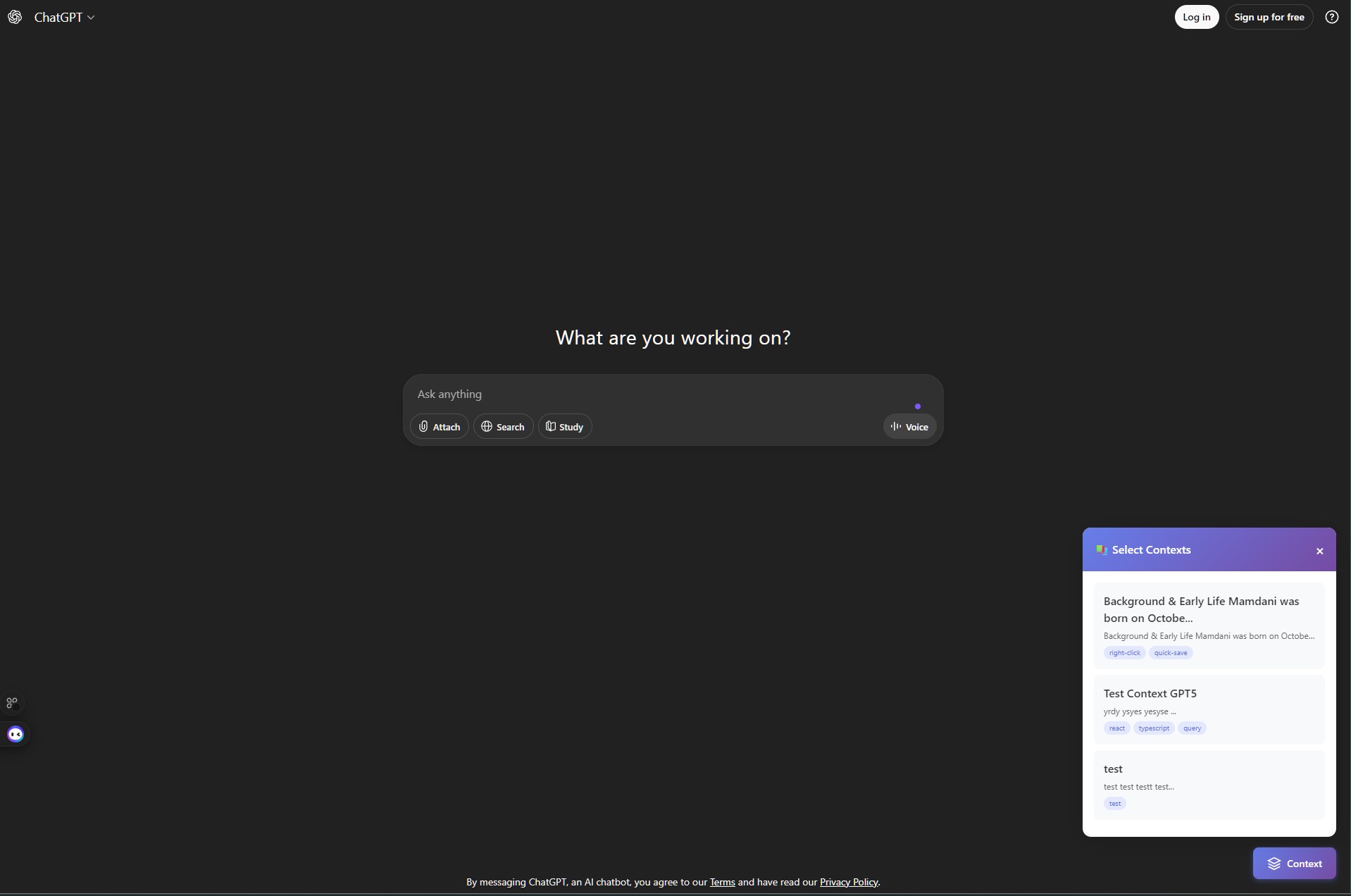
How It Works
Save Contexts Your Way
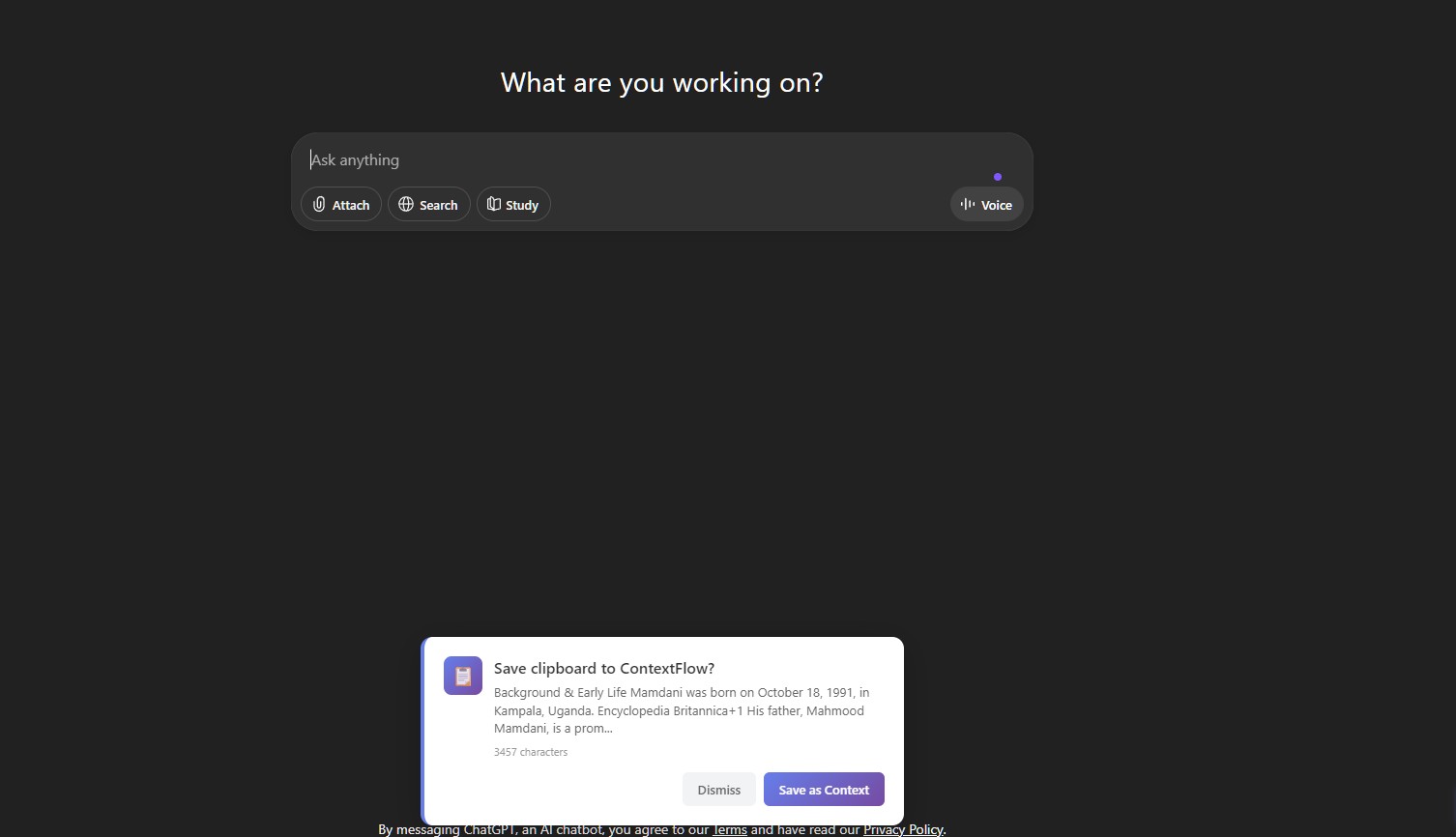
Clipboard Monitoring: Copy text on ChatGPT or Claude and get auto-prompted to save it as a context.
Right-Click Save: Select any text on any page, right-click, and choose "ContextFlow → Save Selection".
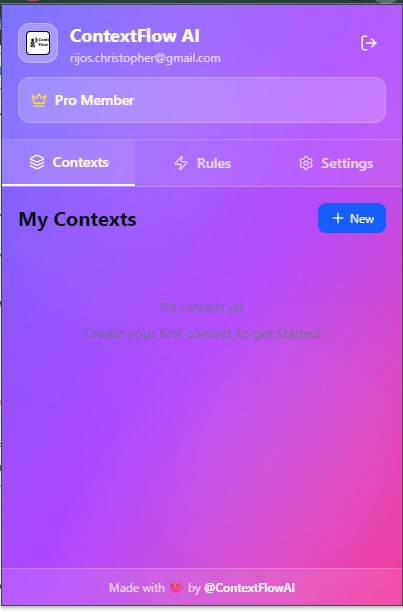
Manual Creation: Use the extension popup to create contexts with custom names, tags, and content.
Smart Auto-Detection
ContextFlow automatically categorizes your content:
- Code: Detects functions, classes, imports, and syntax
- Documentation: Identifies markdown, links, and formatted text
- Personal: Short notes and quick references
- Project: Longer documentation and specifications
Inject Context Instantly
Auto-Injection Rules: Set up rules based on URL patterns, domains, keywords, or time schedules. ContextFlow will inject matching contexts automatically.
Right-Click Paste: Right-click in any input field, choose "ContextFlow → Paste Context", and select from your 10 most recent contexts.
AI-Optimized Format: Contexts are injected with XML-style tags that help ChatGPT and Claude better understand the structure and purpose of your context.
Track Usage & Improve
See which contexts are most used, when they were last accessed, and how many times they've been injected. Use this data to refine your context library.
Complete Feature Set
🤖 AI-Optimized Context Format
Contexts use XML-style tags with metadata (name, type, tags, timestamp) that help LLMs better understand and process your injected content.
📋 Smart Clipboard Monitoring
Automatically detects when you copy substantial content (50-10,000 chars) on ChatGPT or Claude sites and prompts you to save it as a context.
👆 Right-Click Context Menu
Hierarchical menu lets you quickly save selected text or paste any of your 10 most recent contexts — works on any webpage.
🎯 Automatic Type Detection
Intelligently categorizes content as Code, Documentation, Personal notes, or Project info based on patterns and length.
⚡ Rule-Based Auto-Injection
Define injection rules by URL pattern, domain, keywords, or schedule. Contexts inject automatically when rules match.
🔍 Smart Search & Filter
Quickly find contexts by name, tags, type, or content. Filter by usage frequency or creation date.
📊 Usage Analytics
Track how many times each context has been used, when it was last accessed, and identify your most valuable contexts.
🔔 Visual Notifications
Unobtrusive toast notifications confirm when contexts are saved, injected, or when errors occur — never interrupts your workflow.
🏷️ Flexible Tagging System
Organize contexts with custom tags. Auto-tags include 'clipboard', 'auto-saved', 'right-click', and 'quick-save'.
🔐 Secure Firebase Storage
All contexts are securely stored in your personal Firebase account with proper authentication and data isolation.
🌐 Multi-Platform Support
Works seamlessly with ChatGPT, Claude, and other web-based AI chat platforms that use standard input fields.
⚙️ Customizable Settings
Configure clipboard monitoring frequency, notification preferences, default tags, and auto-injection behavior.
Plans
Free Trial
7 days
- ✓ Unlimited contexts
- ✓ Basic automation rules
- ✓ Works with ChatGPT & Claude
- ✓ Manual context injection
Pro
$4.99/month
- ✓ Everything in Free
- ✓ Advanced automation rules
- ✓ URL & domain-based triggers
- ✓ Time-based scheduling
- ✓ Push notifications
- ✓ Priority support
- ✓ Future feature updates
Most Popular
Ready to try?
Install ContextFlow AIDeveloper / Publisher
Repository: chrisrijos/ContextFlow_AI